
A business website should make it easier for a customer to understand you, trust you and take the next step. The platform underneath it should make that job easier for your team, too.
These are ten strong self-hosted options to consider when you want an established content management system rather than an entirely custom business application. This is a fit-based shortlist, not a universal ranking or a performance benchmark. Our recommendations are editorial judgments based on the official features, pricing and documentation linked below.
What does self-hosted mean?
You arrange the hosting and control the installation. You also need a plan for updates, backups, security, email delivery and recovery. Open-source software can reduce license costs, but it does not remove the cost of building and operating a professional website.
Some platforms below work well with an existing theme. Others provide the content-management foundation for a developer-built front end. Both can avoid rebuilding a CMS from scratch; neither automatically includes every business workflow you might need.
Compare the ten platforms
The fit descriptions below are our recommendations. License prices are software-only, checked October 23, 2026, and can change. Taxes, hosting, development, paid extensions and operating services are additional where applicable.
| Platform | Best starting point | Software cost | Hosting approach |
|---|---|---|---|
| WordPress | The practical starting point for many small businesses | Free core | PHP + MySQL/MariaDB |
| Joomla | Multilingual business sites with structured access | Free core | PHP + supported database |
| Drupal | Content-rich organizations and complex publishing | Free core | PHP + database + Composer workflow |
| Ghost | Publishing, newsletters and membership businesses | Free self-hosted software | Node.js server stack; not ordinary PHP hosting |
| Grav | Lean content sites without a database | Free core | PHP; flat-file content |
| Concrete CMS | Teams that prefer editing directly on the page | Free core | PHP + MySQL-compatible database |
| Craft CMS | A tailored editing experience for a distinct brand | Free Solo; paid editions | PHP + database + Composer |
| Statamic | Content-led sites with a Laravel development team | Free Core; Pro $349/site | PHP/Laravel; flat-file by default |
| ProcessWire | Custom content structures with a straightforward editor | Free core | PHP + compatible database |
| Kirby | Design-focused sites with a carefully tailored control panel | Commercial production license | PHP; flat-file content |
Screenshots show official product websites or vendor-provided interface previews, captured for this editorial comparison. They are not JIJ customer projects or evidence of a hands-on benchmark. Product names and imagery belong to their respective owners.
1. WordPress: the practical starting point for many small businesses
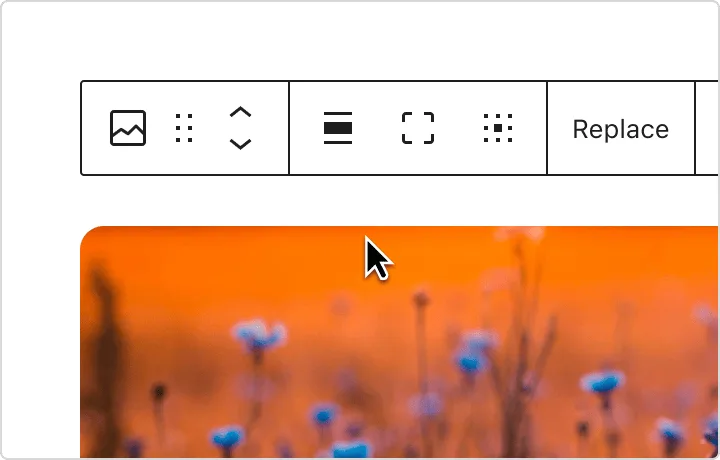
A broad choice of themes and plugins makes WordPress a sensible first shortlist for service businesses, company blogs and sites that may grow into a store. Its block editor lets staff build and update page content without editing template code. Choose the self-hosted software from WordPress.org; WordPress.com is a separate hosted offering.
Watch out for: The flexibility needs restraint. Every additional plugin introduces another dependency to maintain. Ask who will update the theme, test plugins and restore a backup if an update breaks a booking form. A carefully assembled site is usually easier to run than one built around dozens of overlapping plugins.
Costs and hosting: The core software is free; premium themes, plugins, design work and maintenance can cost extra. For online sales, WooCommerce is a common extension, with its own setup and operating costs. WordPress recommends PHP 8.3 or newer, MariaDB 10.11 or MySQL 8.0 or newer, and HTTPS.
Official WordPress information · Requirements and setup details
2. Joomla: multilingual business sites with structured access
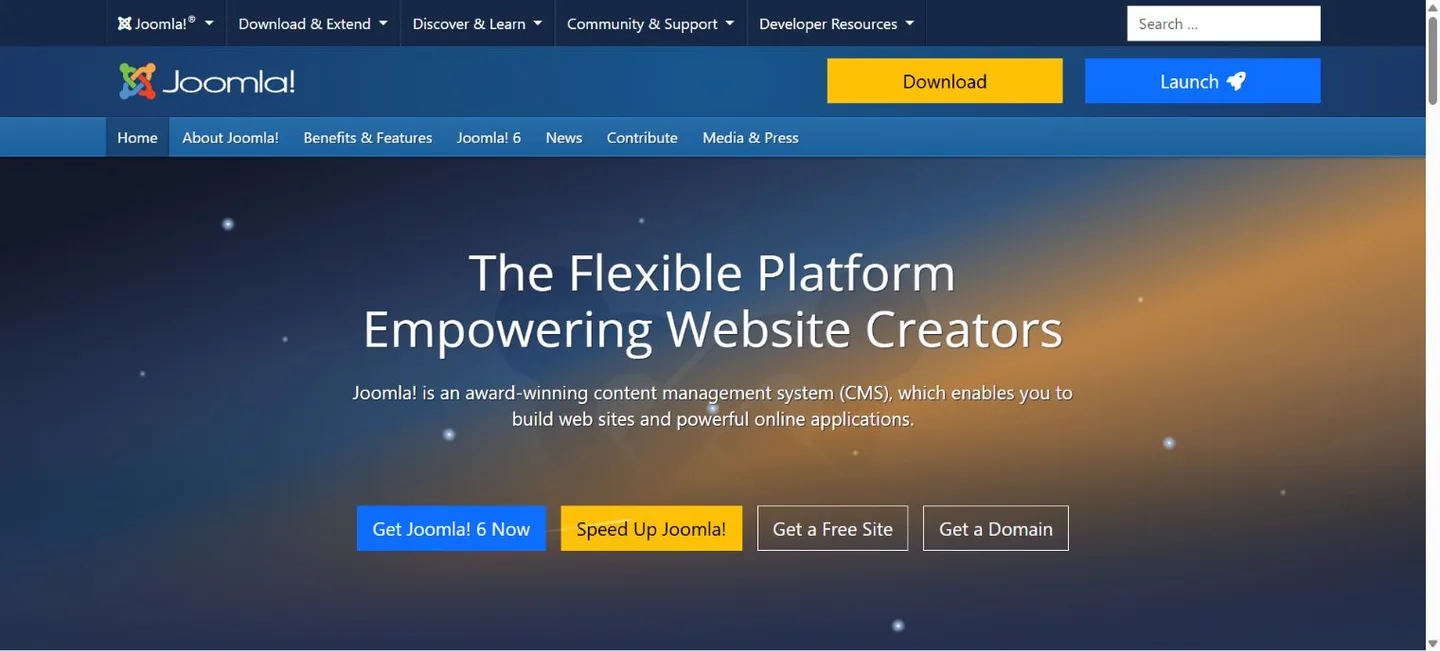
Joomla deserves a look when a business needs several languages, multiple content contributors or distinct access levels. Its built-in multilingual and permission features can reduce the need to assemble those capabilities from separate extensions. Templates and extensions expand what the site can do.
Watch out for: Its administration and content structure can take more learning than a basic brochure-site builder. Before committing, ask the person who will maintain the site to try creating a page, changing navigation and editing a translation. Check extension compatibility with the release you plan to use.
Costs and hosting: The core is free, while templates, extensions and professional help may be paid. Joomla 6.x requires PHP 8.3 or newer and a compatible database. Check its version-specific requirements rather than relying on an older hosting checklist.
Official Joomla information · Requirements and setup details
3. Drupal: content-rich organizations and complex publishing
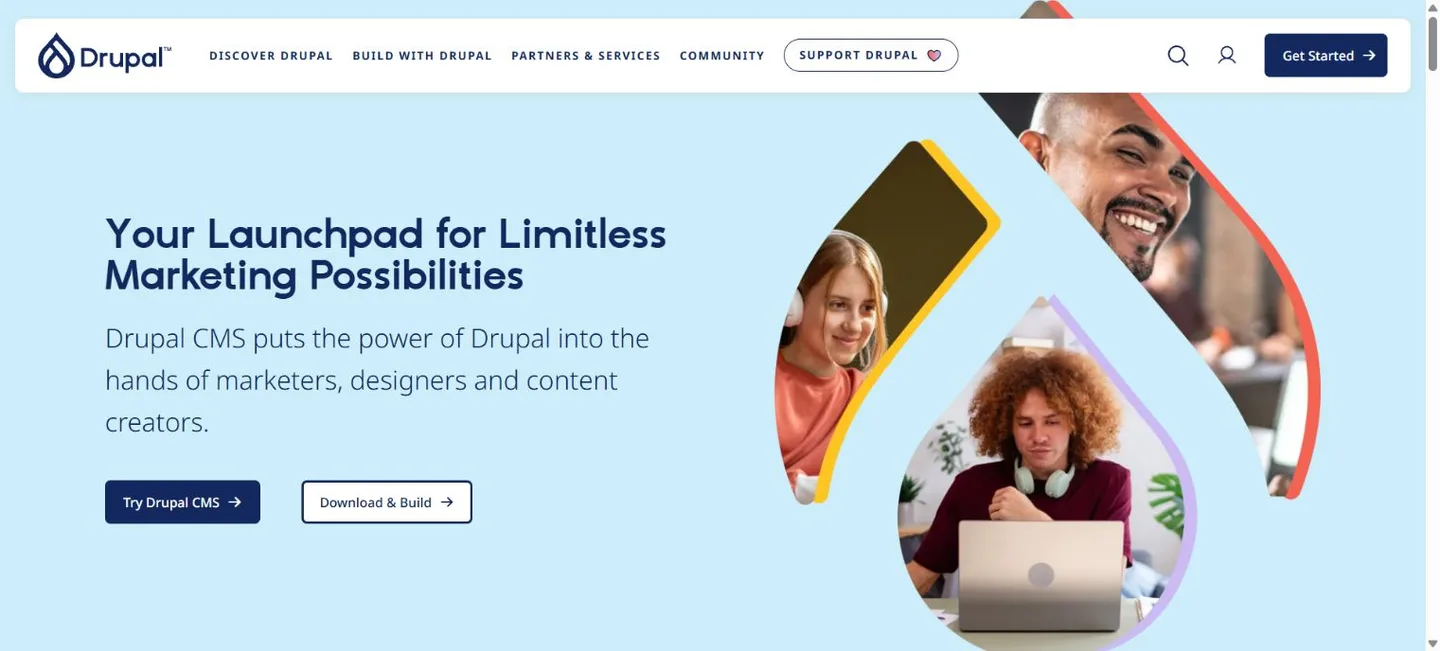
Drupal is a strong candidate for organizations with substantial content, structured information and editorial requirements. Drupal CMS packages the underlying platform with a more guided starting point for marketers and site builders; Drupal core is the more configurable foundation for experienced developers. Those are related starting points, not two unrelated products.
Watch out for: Our recommendation: shortlist Drupal when its structure solves a real business problem. A small site with five pages may not need the additional implementation and maintenance work. Ask how content types, permissions, upgrades and deployment will be managed before selecting a developer.
Costs and hosting: Drupal is free and open source. Development, hosting and ongoing support remain separate costs. Confirm PHP, database, memory and Composer requirements for the exact release and distribution. Large catalogs, complex integrations or heavy traffic need an appropriately sized environment.
Official Drupal information · Requirements and setup details
4. Ghost: publishing, newsletters and membership businesses
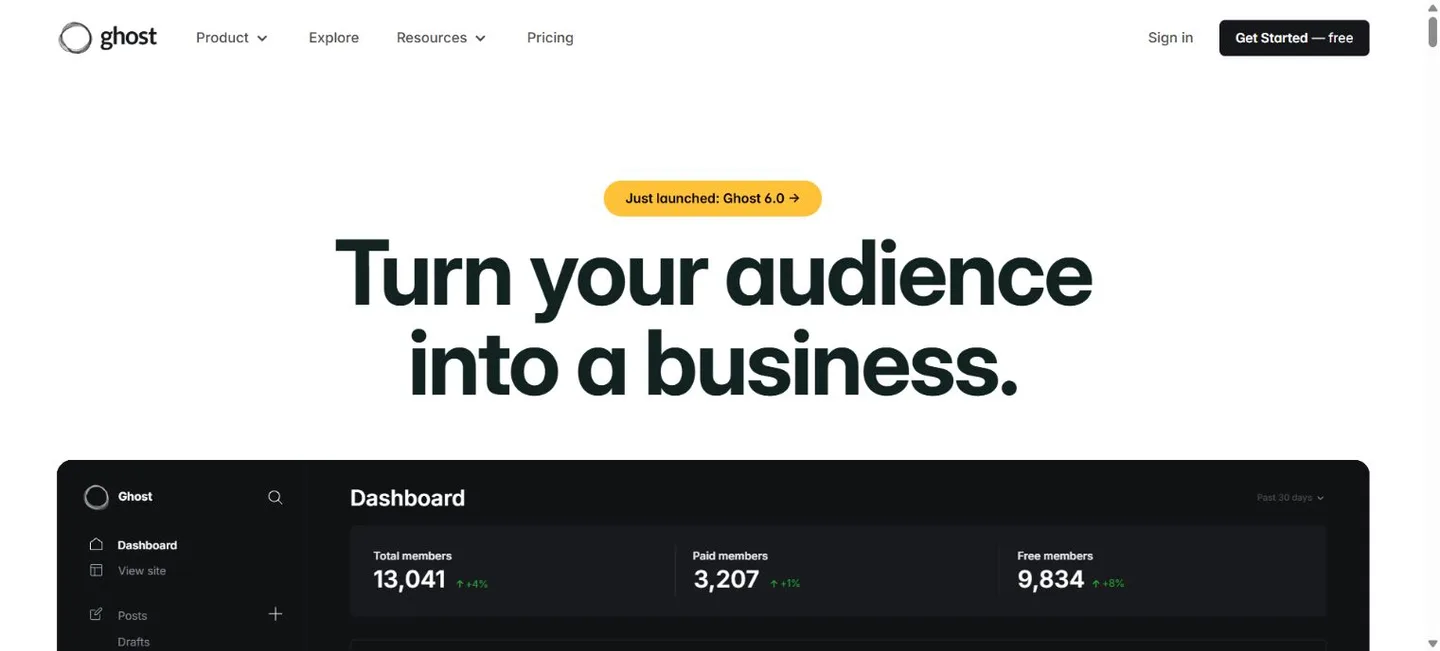
Ghost focuses on the publishing business: articles, newsletters, audience growth and paid memberships. It is particularly appealing when a publication or newsletter is the main product, rather than an extra page attached to a general-purpose company website. Its editor and membership tools are part of that focused approach.
Watch out for: It is not our first choice for an intricate product catalog, booking operation or arbitrary business application. Self-hosting also brings server administration and email-delivery responsibilities. Ghost(Pro) prices describe a hosted service and should not be mistaken for the cost of the self-hosted software.
Costs and hosting: Budget for the server, maintenance, backups, transactional email, newsletter delivery and payment processing as applicable. Ghost documents a supported stack using Ubuntu, Node.js, MySQL and Nginx. Confirm its current guide before deployment; a standard PHP shared-hosting account is not an equivalent environment.
Official Ghost information · Requirements and setup details
5. Grav: lean content sites without a database
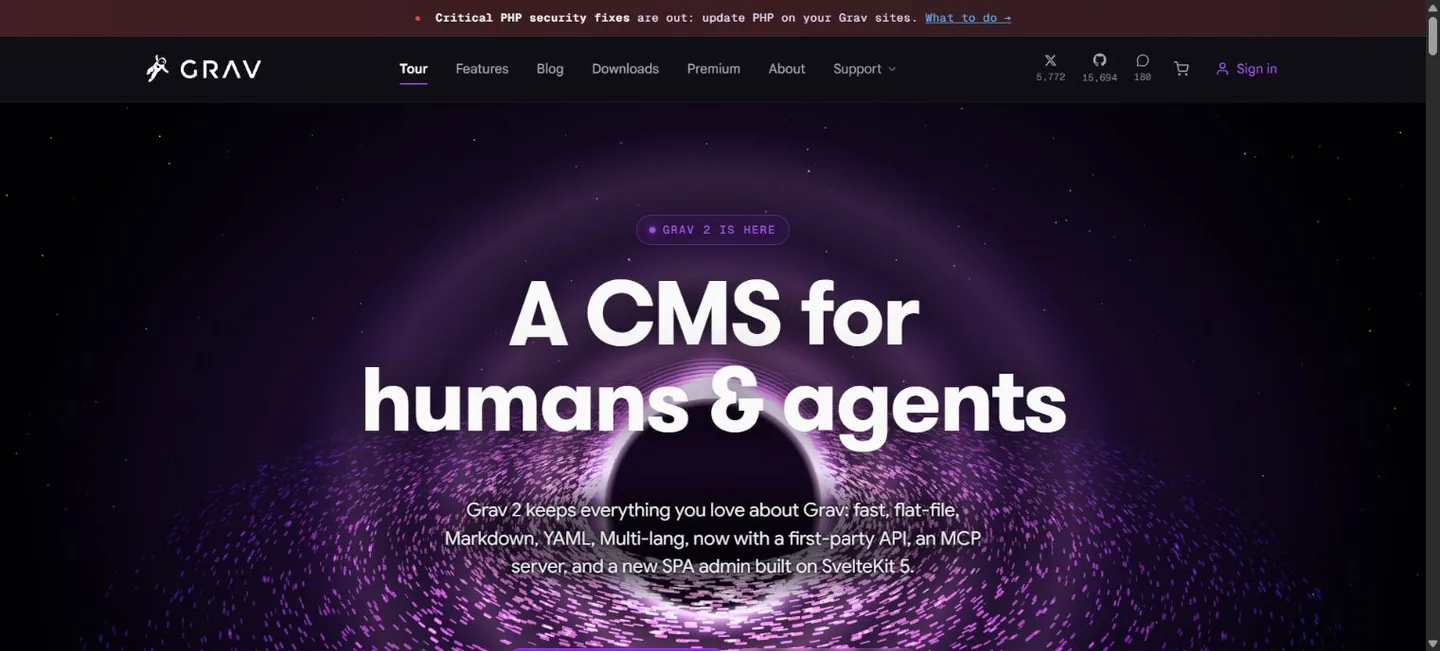
Grav stores content in files rather than requiring a database. Markdown and YAML suit teams comfortable with structured text, while its administration tools offer a browser-based workflow. This can be attractive for a focused company site, documentation area or a developer-maintained publication.
Watch out for: Flat-file does not mean maintenance-free or static-only. Themes, plugins, permissions and backups still matter. Confirm compatibility with the selected Grav major version before choosing a theme or importing an older project. Staff should try the editing workflow before deciding that it is simpler for them.
Costs and hosting: The core is free, with premium products available separately. Grav 2 documentation lists PHP 8.3.11 or newer and required extensions. It still executes PHP on the server, even without a database, so it cannot run as a live CMS on static-only hosting.
Official Grav information · Requirements and setup details
6. Concrete CMS: teams that prefer editing directly on the page
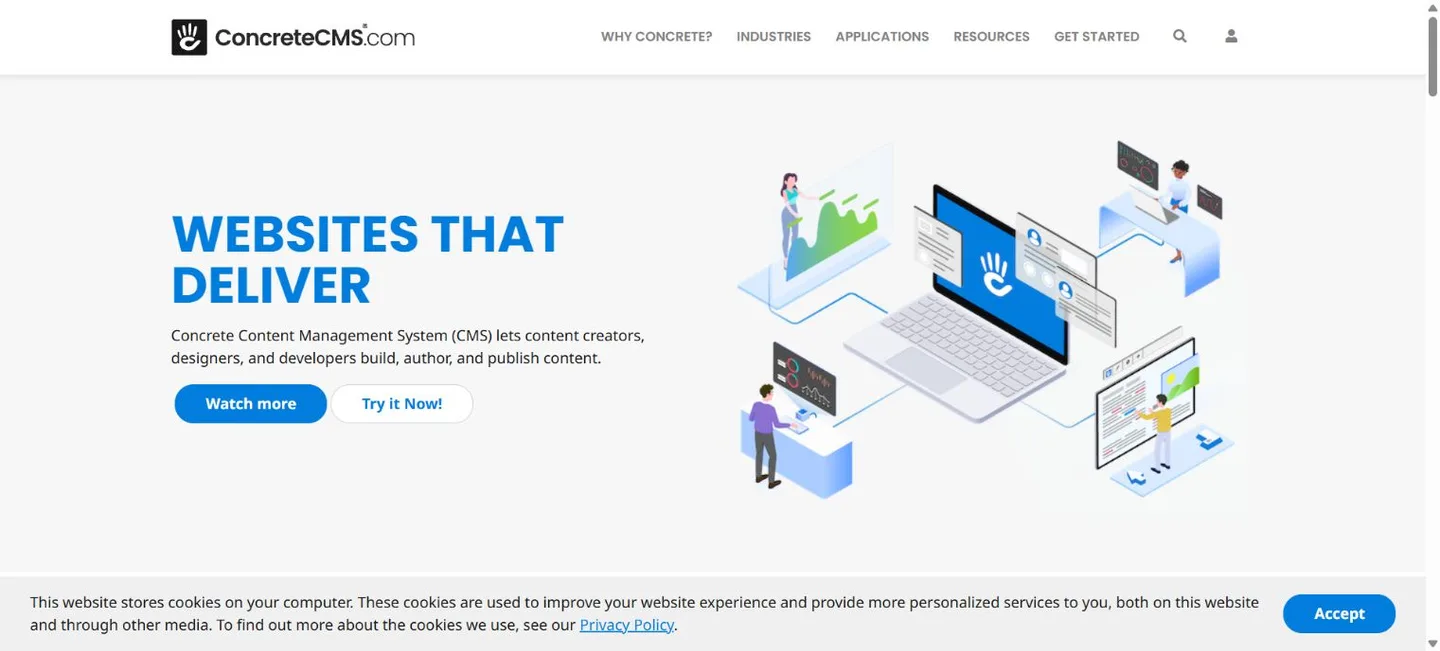
Concrete CMS emphasizes in-context editing: staff can work with content where it appears on the page. Blocks, page organization and permissions make it worth trying for a company whose employees regularly update services, resources or department pages. A clear editing experience can matter more than a long list of rarely used features.
Watch out for: The theme and the implementation determine how much freedom editors actually have. Ask for a demonstration using your own likely tasks, such as adding a service page or replacing a downloadable document. Extensions, upgrades and backup restoration still need an assigned owner.
Costs and hosting: The open-source CMS is free; paid themes, add-ons, implementation and hosting are separate. Check requirements for the selected Concrete release and use a maintained PHP version. Compliance claims about a vendor’s managed hosting do not automatically apply to every self-hosted installation.
Official Concrete CMS information · Requirements and setup details
7. Craft CMS: a tailored editing experience for a distinct brand
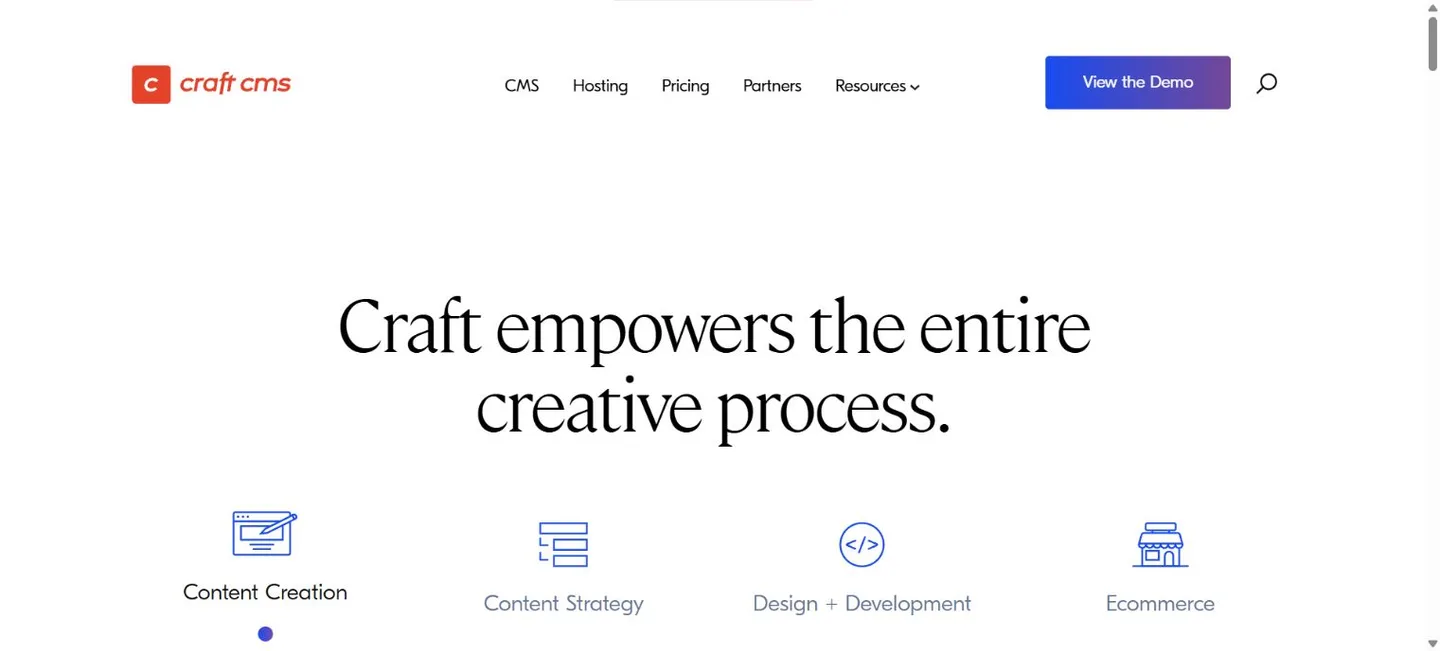
Craft is built around modeling the content your business actually manages. Instead of forcing every item into a generic page, a developer can create appropriate fields and relationships for services, team profiles or case studies. Preview tools and localization are useful when the publishing experience deserves as much attention as the public design.
Watch out for: Craft is a CMS foundation, not a finished drag-and-drop business website. Expect a developer to implement templates, content structures and integrations. That can produce a more focused experience, but the initial project budget should reflect the work. Commerce and third-party plugins may add license costs.
Costs and hosting: At review, Solo is free with one user; Team is $279 per project for Craft 5, and Pro is $399 per project. Paid editions include one year of updates, followed by $99 per year for updates. Check edition eligibility and current licensing. Craft 5 requires PHP 8.2+, a supported database and Composer.
Official Craft CMS information · Requirements and setup details
8. Statamic: content-led sites with a Laravel development team
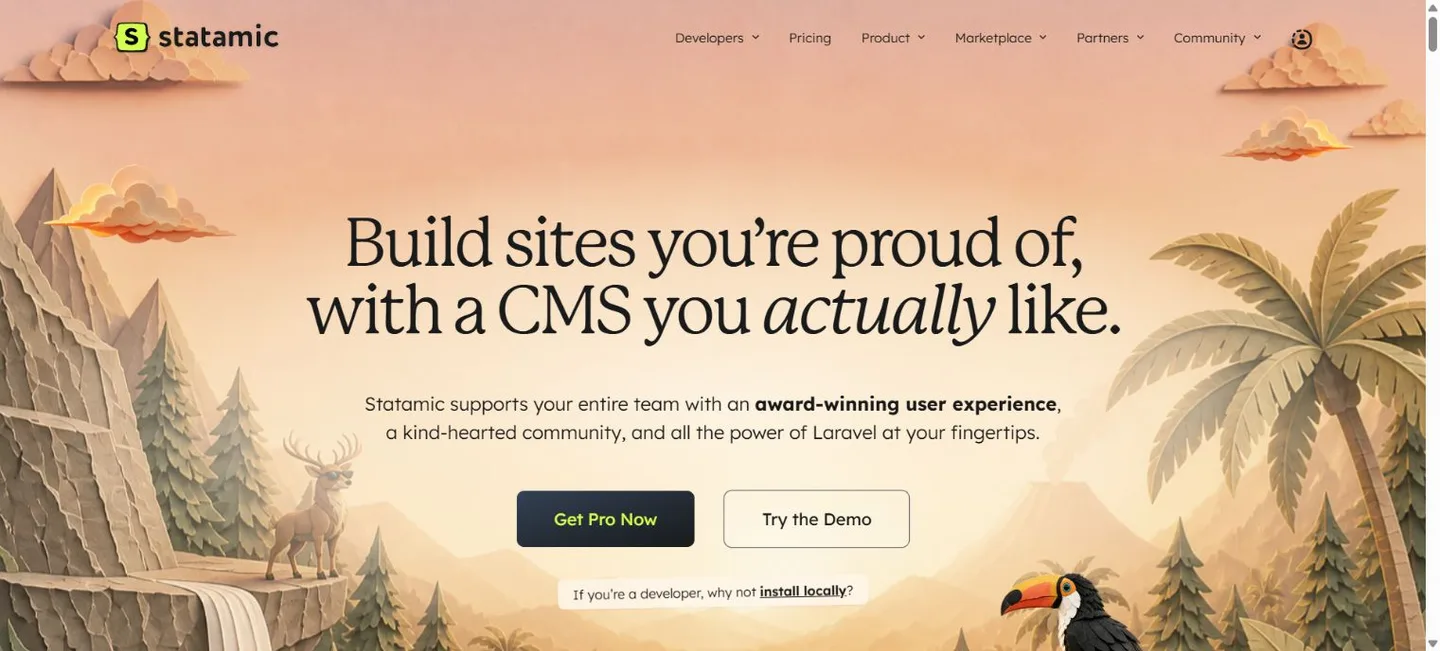
Statamic pairs a content-focused control panel with Laravel development tools. Content modeling, asset management and live preview make it attractive for a brand with a developer who wants control over the front end. Its default file-based approach can fit a version-controlled content workflow.
Watch out for: This is another developer-oriented option, not an instant substitute for a configured website. Decide how staff will edit, how changes will be deployed and whether the project needs Pro features. A free single-user setup and a multi-user publishing operation are different requirements.
Costs and hosting: Core is free with one administrator and one content form. Pro is listed at $349 USD per site, including one year of updates; subsequent updates are $99 USD per year. Pro adds capabilities such as multiple users, revisions and multilingual sites. Check the current release’s PHP and deployment requirements.
Official Statamic information · Requirements and setup details
9. ProcessWire: custom content structures with a straightforward editor
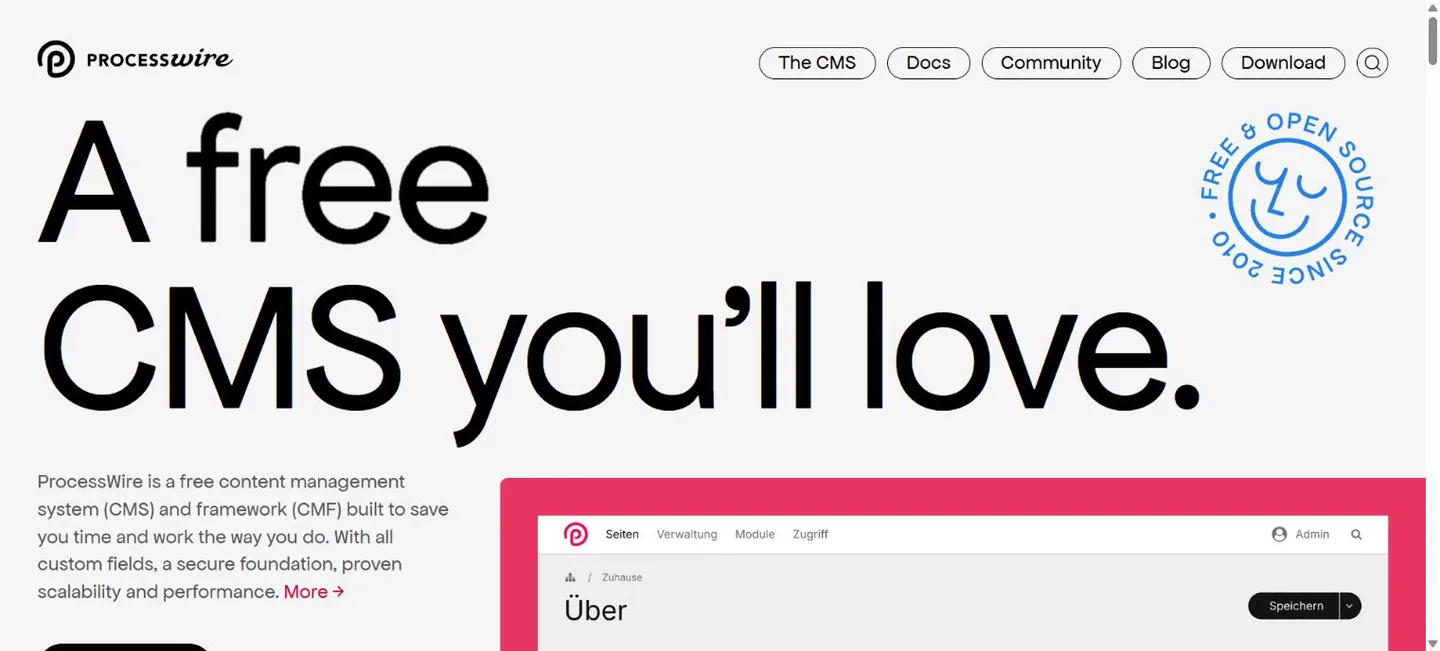
ProcessWire combines a CMS with a content management framework. Its page tree, custom fields and API let a developer build an administration experience around a business’s information. It is worth considering for directories, resource libraries and sites that need more structure than a basic collection of pages.
Watch out for: The appeal is flexibility, not a huge ready-made theme marketplace. The public-facing templates generally need development work. Before selecting it, clarify what will be editable, which modules are included and how another developer could take over the site later.
Costs and hosting: The core is free, with optional paid first-party modules. Follow requirements for the selected release: the installation guide describes PHP and MySQL/MariaDB hosting, while newer database support is evolving. Verify database compatibility rather than assuming every release supports the same combinations.
Official ProcessWire information · Requirements and setup details
10. Kirby: design-focused sites with a carefully tailored control panel
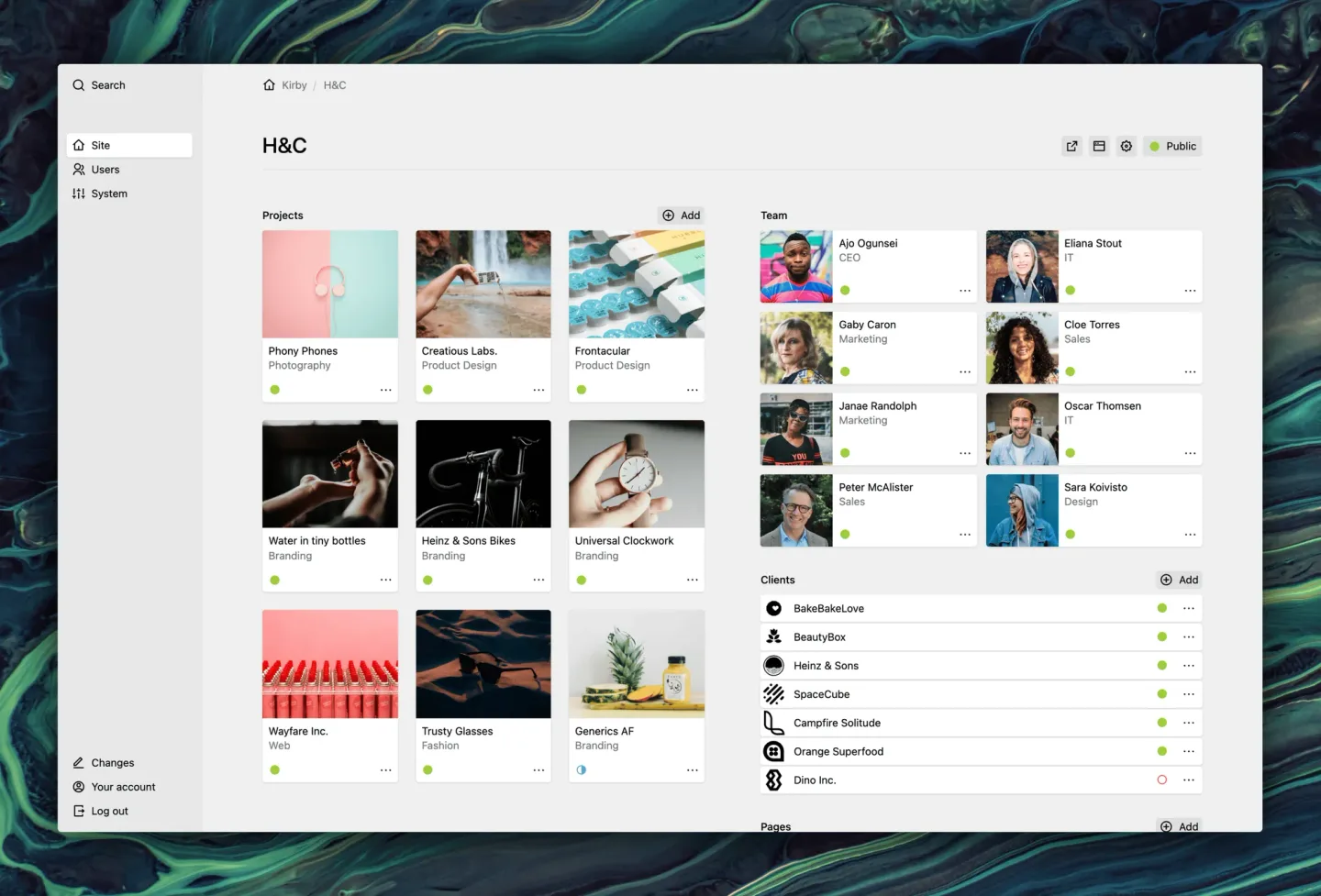
Kirby uses files and folders for content and offers a configurable administration interface called the Panel. A developer can shape its fields and page types around the project. That makes it an appealing shortlist for portfolios, studios and company websites where presentation and a focused editing experience matter.
Watch out for: It is not free production software. A development evaluation should not be confused with permission to publish an unlicensed business site. As with Craft and ProcessWire, the CMS can save considerable backend work while the site still needs template and content-model development.
Costs and hosting: Purchase and activate an appropriate license before public production use. Check the current price, license terms and update period directly with Kirby; we are not quoting an unverified price here. Hosting must support the PHP version and extensions required by the selected release, despite its database-free content storage.
Official Kirby information · Requirements and setup details
Which one should your business choose?
- A typical service business: start by comparing WordPress with Concrete CMS. Have the actual content editor try the daily workflow.
- Several languages or access levels: compare Joomla and Drupal against the exact publishing requirements.
- A newsletter or membership publication: investigate Ghost, including its server and email-delivery costs.
- A developer-led brand website: compare Craft, Statamic, ProcessWire and Kirby using a written scope and handoff plan.
- A focused flat-file project: consider Grav, while checking the editing workflow and version compatibility.
These are starting points. The right choice can change when bookings, inventory, customer accounts or integrations become the main requirement. For an online store, evaluate the commerce system and payment workflow separately; a CMS being extensible does not mean checkout is included.
Choose hosting after checking the software
PHP version, extensions, database version, memory limits, scheduled tasks and command-line access can all affect compatibility. Ask the developer for a release-specific requirements list before ordering hosting.
JIJ’s Static plan cannot run a server-side CMS. This includes PHP flat-file systems as well as database-backed platforms. Our PHP hosting plans can be assessed for a particular project, but this article does not promise that every listed system or extension works on every JIJ plan. Ghost requires a different server stack from ordinary PHP hosting; contact us before making a hosting decision.
Compare JIJ hosting plans, or describe the platform and requirements through our project planner so we can assess the fit first.
What to ask before approving a build
- What does the initial quote include: design, configuration, content entry, migration, training and launch?
- Which licenses and extensions renew, and who owns the accounts?
- Who applies updates, checks forms and maintains backups? How is a restoration tested?
- Can staff edit the pages they need without accidentally changing the whole layout?
- How will accessibility, mobile layouts, speed, redirects and search metadata be checked?
- Can the business export its content and move to another developer or host?
A platform’s SEO features are tools, not a promise of rankings. Useful content, clear page structure, accessible design, reliable performance and a crawlable site still need to be implemented well.
Frequently asked questions
Can a free CMS run a professional business website?
Yes. Free core software can be a sound foundation. The budget still needs to cover the design, configuration, content, hosting and ongoing responsibilities. A paid license is not automatically better, and a free license is not the same as a free finished website.
Is a flat-file CMS the same as a static website?
No. Flat-file describes content storage. Grav, Kirby and a standard Statamic installation still run server-side PHP. A separate static-generation workflow is a different deployment decision.
Can JIJ help select and build the site?
Yes. Tell us what customers need to do and what your team needs to manage. We can review whether an established CMS, a configured theme or custom development fits the scope. Compatibility, deliverables, price and ongoing support are confirmed in the quote.
Start with the business goal
You do not need to arrive knowing the name of your CMS. Bring your goals, existing website, content needs and budget range. JIJ Web Solutions is locally owned in Keokuk, Iowa, serving clients globally.
Tell us about your project or explore website services. We will help turn those requirements into a practical starting point.
Research reviewed October 23, 2026. Official sources are linked in each section. Prices and technical requirements may change; confirm them before buying software or hosting. JIJ Web Solutions is independent of the platforms listed.
Back to insights